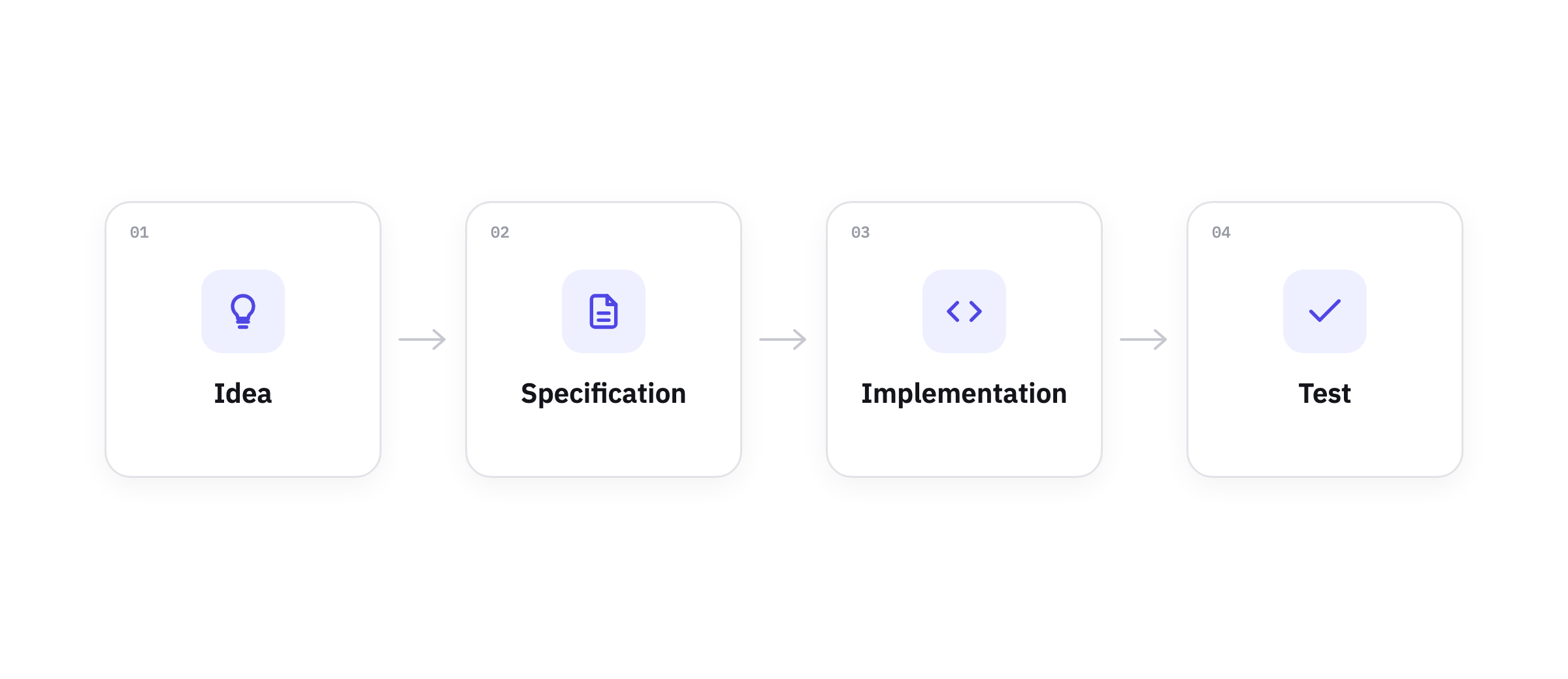
WORKFLOWOne Issue, One Agent, One Afternoon: A Starter Agentic Workflow
A simple agentic workflow to get started with autonomous software development: write a rough GitHub issue, let the agent turn it into a real spec, then let it build. Requires an AI subscription and minimal tooling
P
Phil
building in public · Jul 4, 2026 · 5 min
How do you go, in practice, from prompting Claude to have a fully autonomous Claude Code software pipeline?
The path is complex, but you can take the first step by looking at the simplest agentic workflow presented here. Write a rough GitHub issue, let an agent turn it into a real spec, then let it build. It uses things you already know, plus one new ground rule.
What you actually need
The setup is simple on purpose. You will need:
- A free GitHub account. A personal account includes unlimited public and private repositories, and Issues come with all of them at no cost. This is where both your code and your specs will live.
- A subscription to one coding agent. The two obvious choices are Claude Code, which starts on the Claude Pro plan at $20/month, and OpenAI Codex, which is bundled into ChatGPT’s paid plans. There’s no free tier for Claude Code, so you’ll need either a subscription or API credits, and since both vendors keep adjusting their pricing it’s worth checking the live page before you commit.
- The GitHub CLI. The
gh command lets your agent read and write issues straight from the terminal instead of clicking around a browser. Install it, run gh auth login once, and you’re set.
This is the minimum you will need, and besides the AI coding agent, it is all free. Leave the complications for day 2.
Step 1: Dump the features as rough issues
Start by writing each feature as its own issue on GitHub, without polishing any of them.
You want to give as many details as possible, but don’t worry too much about grammar or logical flow.
Open your repository on GitHub, go to the Issues tab, and hit New issue. Give it a short title and a couple of plain sentences about what you want. Say you’re building a small habit tracker; one of your issues might look like this:
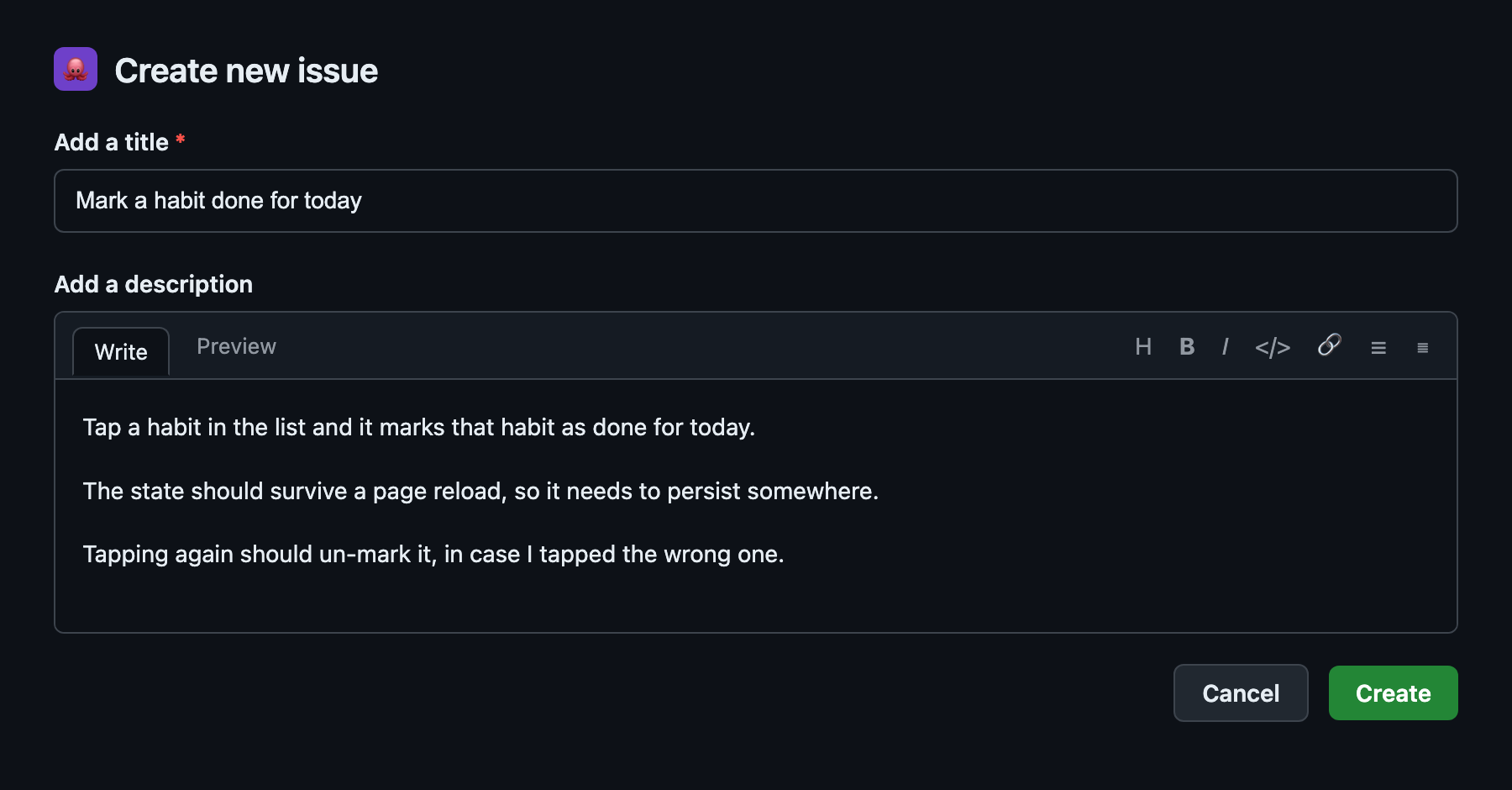
Do the same for the other features (a habit list, a streak count, some basic styling) and you’ll have a backlog of features for your new application. None of them is detailed enough to satisfy a human or AI developer, but that’s fine, because the refining stage comes next and the agent will do most of it.
Step 2: Let the agent turn the issue into a spec
With AI agents as with humans, the GIGO (garbage in, garbage out) rule still applies. You want your specification to be well written and unambiguous, and your AI coding agent will help with that.
To produce better requirements, feed the GitHub issues straight to an agent and ask it to clarify them:
$ claude "Read GitHub issue #3 with 'gh issue view 3'. Ask me
   clarifying questions until the requirements are unambiguous,
   then write the refined spec back into the issue as a comment."
The goal is to have a conversation with the agent, instead of just issuing an instruction. Does a streak break at midnight local time or after a full 24 hours, what should happen on the very first day when there’s no history yet, and does missing a single day reset the count to zero or just pause it? Those are the questions a person who understands the problem answers without thinking, and they’re precisely the ones the agent can’t guess. Once you’ve answered them, let it write the detailed version back into the same GitHub issue.
In this way the issue becomes the reference point for all product requirements, which don’t get lost in chat logs and old Claude Code sessions.
If you’d rather not run that questioning yourself every time, there are skills that structure it for you, such as Superpower’s “brainstorming”, Matt Pocock’s “grill-me”, or my own trd-dev:define-functional-requirement. They all do the same underlying job, which is to make requirements as clear as possible through a series of clarifying questions.
Step 3: Hand the issues to the agent to build
With the issues refined, you can give them to the agent and let it work:
$ claude "Implement GitHub issues #1 through #4. Read each one,
   build it, commit as you go."
For a small project it’s fine to let one session work through them in order, but if you want something closer to real autonomy you can give each issue its own agent. Claude Code supports this natively through background agents, which are independent sessions that run in parallel and that you monitor from a single place, and Codex offers an equivalent cloud-agent mode. There are also skills like trd-dev:implement-task that split the work across agents for you.
Test it
The work isn’t finished when the agent says it’s finished, it’s finished when you’ve watched it run and tried it yourself. So start it up, mark a habit, reload the page, and check that the streak actually survived. Trying the running app is still the fastest way to catch an agent that built the wrong feature with total confidence.
Use the chat to ask the agent to fix obvious mistakes, or if you want it to apply substantial changes, why not go back to Step 1 and describe the change in a GitHub issue?
Where to go from here
This workflow is simplistic on purpose. It’s meant to show you the basics of working with an agent, not to be the finished method. There’s so much more to say.
If you’re going to deepen one part of it next, make it step 3, because in real work handing over an issue and saying “implement it” is way too simple, even if that’s what every single AI coding influencer does.
You should tell the agent how to implement it, which patterns to follow, where things belong, what to reuse, how to build and package the software. On top of that you need to set the ground rules, the non-functional requirements around performance, security, and how the code is structured, and you need to define how the agent proves the work is correct rather than merely claiming that it is. Each of those is worth an article of its own.
For now, the goal is just to try it once end to end: pick something you actually want, write a handful of rough issues, let the agent question you until the requirements are clear, and then let it build.